Color Palettes
GlyphViz's 26 built-in color palettes and the color_index field, laid out for browsing — and pre-wired for interactive recoloring with the = / − and Alt+= / Alt+− keys.
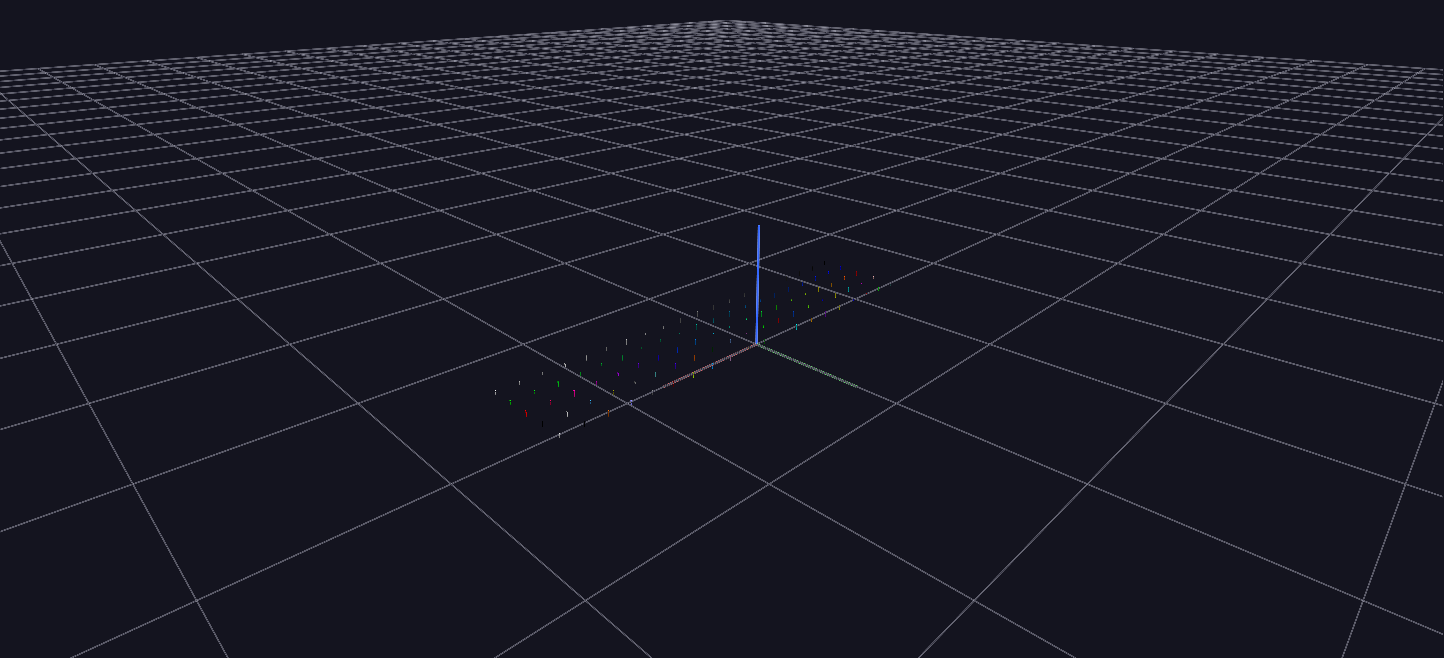
Try it: download this example below (or the full examples set), then open Palette_Example/Palette_Example_gv_node.csv — or just drag its folder onto the GlyphViz window.
What it is
GlyphViz can colour a node by looking its colour up in a palette: a node stores a palette number and an index into it, and the viewer turns that pair into a colour. This scene is a swatch book for that feature. It is five rows of twenty pins, each row showing one palette, so you can see what a palette looks like and then try changing it live.
It is a scene for doing, not watching. Nothing is animated.
What is on the screen
Each row is a different palette, with its twenty pins spaced evenly across the palette's range:
| Row | Palette | What it holds |
|---|---|---|
| 1 | 0, 20 Distinct Colors | all 20 entries, the colours chosen to be told apart at a glance |
| 2 | 1, 20 Distinct Colors, Inverted | the same 20 in reverse order |
| 3 | 2, Rainbow Heatmap | 20 samples across its 128 entries |
| 4 | 4, Blue to Green | 20 samples across its 128 entries |
| 5 | 24, Greyscale | 20 samples across its 128 entries |
The scene shows five of the 26 built-in palettes; the rest are one keystroke away, as below. The two "distinct colours" palettes have 20 entries and are meant for categories, where neighbouring values must look different. The others are 128-entry ramps for quantities, where neighbouring values must look similar.
Every pin carries its palette_id and color_index, as well as the finished colour, so every one is ready to be recoloured.
Try it: recolour live
Select one or more pins, then:
=and-step the colour index within the pin's current palette, so a pin walks along its row.Alt+=andAlt+-step to the next or previous palette, which re-resolves the colour from the same index. Hold it down on a selection and you see all 26 palettes go by.- Or use the Palette and Color Index controls in the Properties panel.
Select a whole row and press Alt+=: every pin in it changes to the same index of the next palette at once. Select one pin from each of rows 3, 4 and 5 and compare how the same index looks in each ramp.
Why palettes are worth knowing
- A palette index is one number instead of three. A colour is
color_r,color_g,color_b; an index into a palette is a single value. For a data-driven scene that means one column to generate, one value to change, and in an animation one Channels track instead of three. The Channel Parameters example animatescolor_indexandpalette_iddirectly. - Changing the palette recolours a selection. Because the index stays and only the palette changes, you can try another look on any set of nodes without regenerating any data. Select everything and press
Alt+=to see the whole scene in the next palette. - The loader does not resolve palettes for you. Colour is looked up only when you use the keys or the panel, never automatically when a file loads. A file must therefore store the finished
color_r/g/bbeside thepalette_idandcolor_index, which is exactly what this scene's generator,generate_palette_example.py, does.
The scene is 100 nodes of Pin geometry, and its generator mirrors the viewer's own palette lookup for the five palettes it shows.